
Capture the video.
Keep the moment.
Record a supported video player with its sound. Choose a vertical, widescreen, or original format before you begin.
Video recording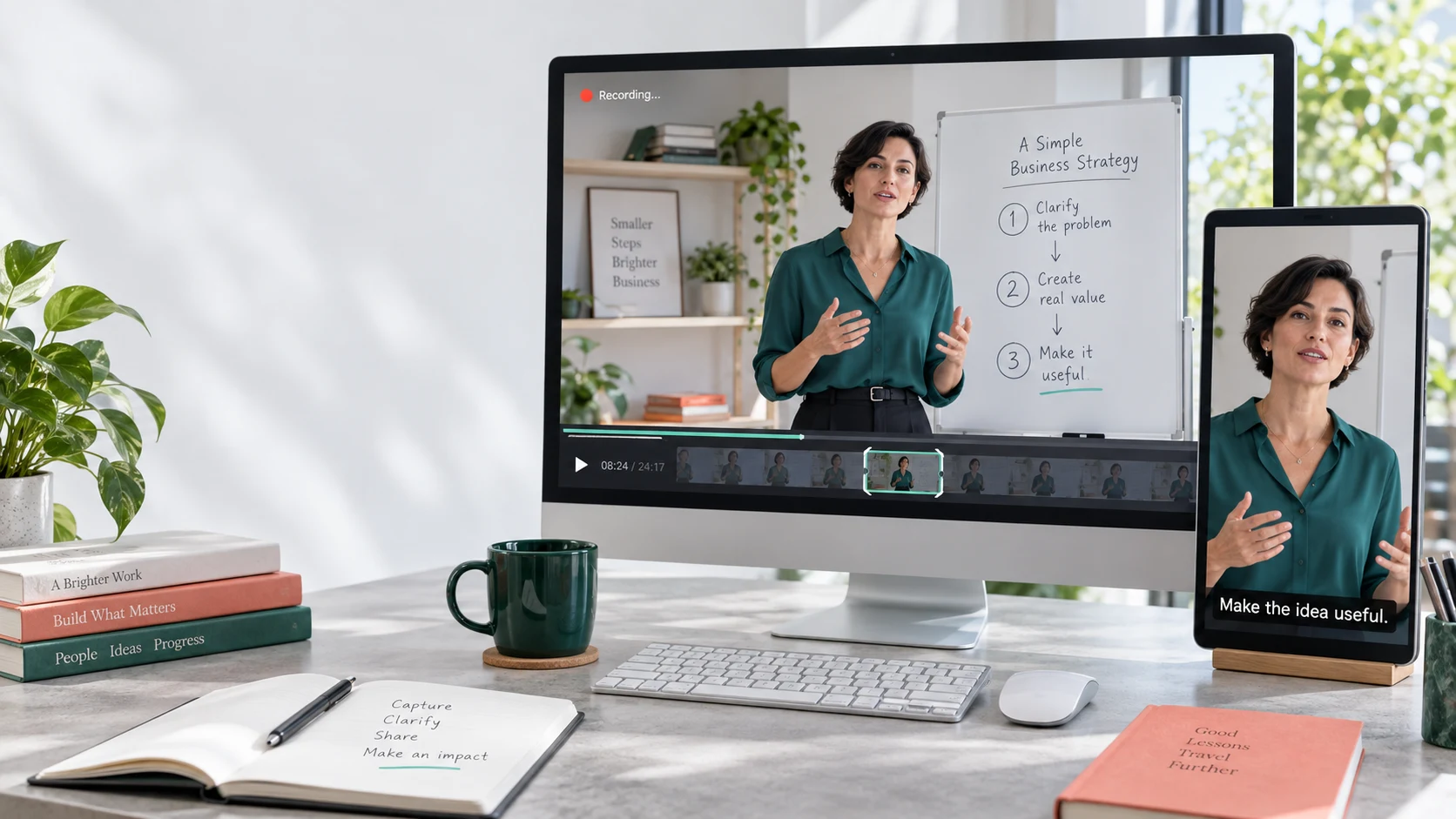
For the ideas that move you forward
That idea you just heard?
Keep it. Use it. Share it.
Turn the best part of a business lesson, interview, or lecture into a clip you can come back to. Capture your chosen moment, add clear captions, and put a good idea to work.
Free local recording · No account needed to start
Your attention finds the good part
A better way to explain something. A strategy to try tomorrow. A sentence you want to remember.
You recognize it while you watch. Capture that part in your browser, trim it to the point, and add captions. Keep it in your library, revisit the explanation, or export a focused clip to share.
Less friction. More control.
A sentence in a lesson. A useful explanation. A moment you want to share.
You should not have to download a whole recording, upload it to another service, or wait for suggested highlights. Start with the browser tab already open, capture the moment you noticed, and make it useful without losing your place.
Explore the recording guideRecord a supported video player with its sound. Choose a vertical, widescreen, or original format before you begin.
Video recordingGenerate captions on your device, correct the text, and export subtitles or put them directly into the video.
Captions & transcriptsWith Ambient Mode already on, save the last minute of tab audio after something catches your attention.
Meet Ambient ModeFrom browser tab to finished clip
Start with one moment. Keep just enough. Add the words that make it easier to understand.
01 / Capture
Make a vertical clip for a short-form feed, a widescreen clip for a presentation, or keep the original player's shape. Video capture focuses on the player, so the surrounding webpage stays out of the picture.
Open the lesson, interview, or replay you want to capture in a supported Chrome tab.
In version 1.41, use the 10s, 20s, or 60s rewind buttons to revisit an earlier moment on supported players. Then choose where your clip starts.
Open the extension and select 9:16, 16:9, or Original. Choose Standard or High quality.
Start Video Clip, reposition the crop when needed, and stop when you have the moment. Find the result in your library.
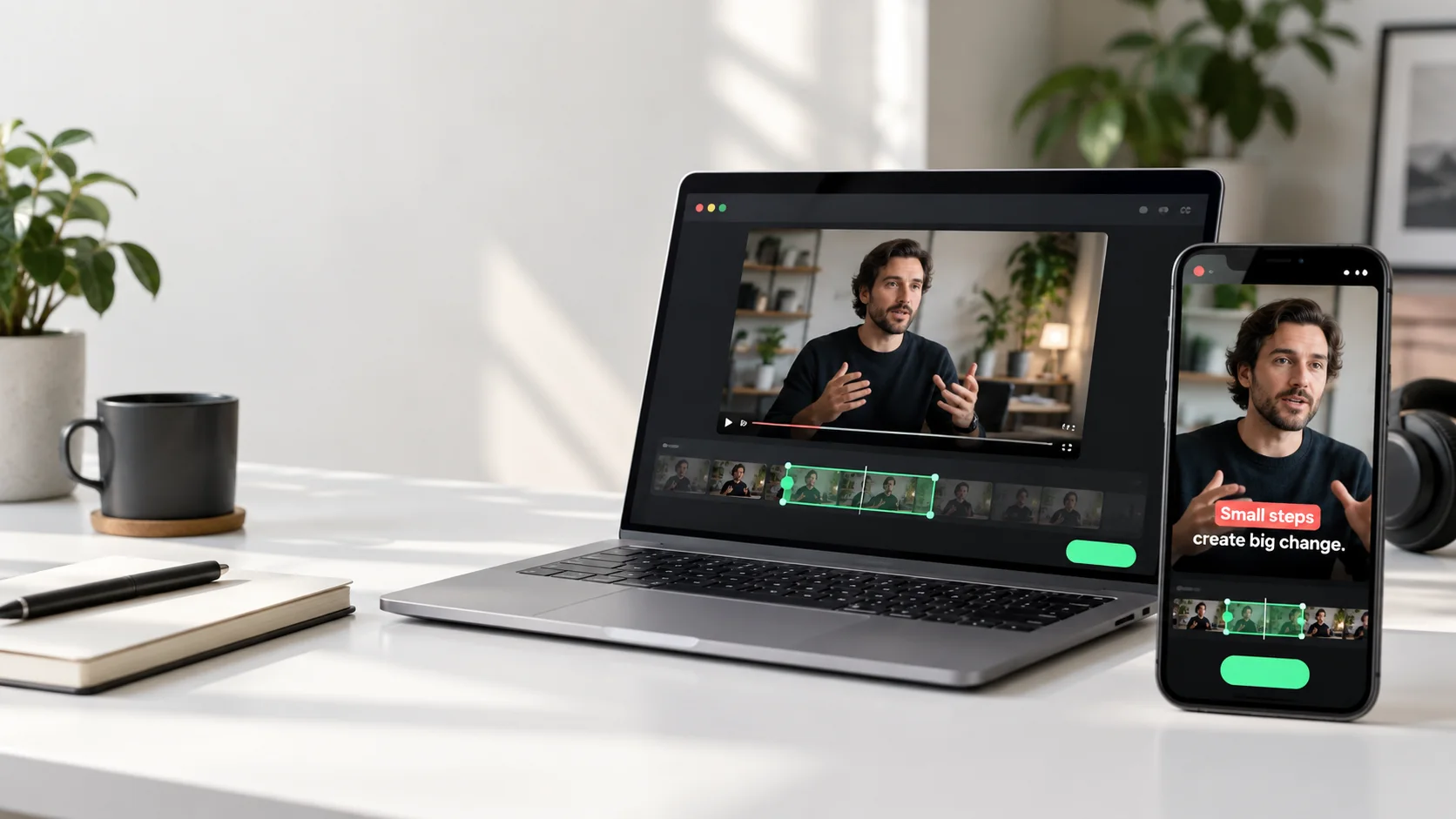 Record your first clip
From an open browser tab to a clip in your library.
Vertical fills the frame by cropping the sides of a wide source.
02 / Refine
Keep your recordings together in the local library. Give each clip a useful name, trim away the lead-in, and keep the ending that makes the idea complete.
Supported video edits save previous versions, so you can return to an earlier cut. Still export anything important: browser storage is not a permanent backup.
Less lead-in. More meaning.
03 / Caption
Create a transcript from your video clip with multilingual speech recognition on your device. Then review what it heard. Fix a name, correct a phrase, and keep the speaker's meaning intact.
Open Captions from a video in the library. The speech model downloads on first use, then processes the clip locally.
Read each segment and replay uncertain moments. Included AI help can refine wording, draft a title, or prepare a social caption when you ask for it.
Save the editable transcript, export an SRT or VTT file, or preview and burn captions into the video.
Accuracy varies across languages, accents, and mixed-language speech. Clear audio and a careful review make a real difference.
Learn about captions and subtitle exports From speech to captionsGenerate the words, make corrections, and choose your export.
Some ideas are worth keeping.
Give yourself a way to return to them.
Already has subtitles?
A vertical crop can cut through subtitles baked into the original video. The updated editor lets you cover that area and place your own captions over it.
a moment worth keepingEnable subtitle replacement to inspect a close-up of the lower frame. Position the guide over the old words, choose the color and opacity, and check the result in the full video.
The new caption follows the strip. At 100% opacity, it hides the original text inside its boundaries. It is a cover, not AI removal: the image underneath is covered too.
Available in the updated caption editor. Check your installed version.See the subtitle replacement stepsVideo walkthrough coming soon
A little room to rewind
For the thought you almost missed
Sometimes you realize a moment matters just after it happens. Turn on Ambient Mode before you listen, and the extension keeps a rolling buffer of recent tab audio.
Start it on the tab you are listening to. It must be running before the moment happens.
Use the save button or your configured Chrome shortcut to preserve the recent audio.
Open the audio in your library, rename it, and trim the part you want to keep.
Ambient Mode buffers audio only, and cannot recover moments from before it was enabled.
Read the Ambient Mode guideFive ways to make a good idea go further
From your next business move to your next lesson, keep the moments you can actually use.
01 Business owners & entrepreneurs
A pricing insight. A stronger sales question. A way to explain your offer. Capture the useful part of a business lesson and build a library of ideas to bring into your work.
Build a library of better decisions.
Video walkthrough coming soon02 Coaches & consultants
Turn a strong explanation from a coaching session or workshop into a focused takeaway. Add captions so clients can follow the words and return to the point between sessions.
A useful takeaway between sessions.
Video walkthrough coming soon03 Teachers & course creators
One lesson can contain an example students need to hear again. Save that moment as a short captioned video they can revisit at their own pace.
One concept. A clearer explanation.
Video walkthrough coming soon04 Students & lifelong learners
When an explanation makes sense, keep the speaker's words and delivery together. Collect useful lesson clips and transcripts in a library you can return to before an exam or a new project.
Your personal library of lightbulb moments.
Video walkthrough coming soon05 Content creators & podcast teams
You know which moment deserves its own audience. Record that part, choose vertical or widescreen, trim the edges, and make the captions read the way you want.
Your next post starts with one good moment.
Video walkthrough coming soonGenerate captions, edit the transcript, and use optional AI to draft a title or social caption. Keep the voice and meaning that made you choose the moment.
Useful from the first recording
Every recording and editing tool is included from day one. Studio is for people who want a larger monthly publishing rhythm, not a different product.
The complete workflow for recording, shaping, and studying or sharing the moments you choose.
For learners, educators, and creators who regularly turn browser moments into finished captioned clips.
Sign in once with your email inside the extension. AI is included; your own API key is never requested.
Read the Studio policyYour recording starts on your device
Recordings live in your browser's local extension storage. When you request AI help, we send the relevant transcript text through our managed service, not your raw recording. Export important files for backup, and choose what you send.
A little guidance goes a long way
Follow the complete written guides now. Recorded walkthroughs will be added alongside the steps.
Choose a format, record a player, and save your first clip.
Read the guideGenerate a transcript, fix the words, and choose an export.
Read the guideSet up Ambient Mode and keep recent tab audio.
Read the guideIt is a Chrome extension for recording supported browser video players and tab audio, saving recent tab audio, and turning video clips into editable captions, transcripts, and shareable files. You can trim clips and prepare titles and social captions without starting with a full video editing suite.
No. You do not upload a long video and wait for the extension to guess which moments matter. You choose the exact moment while watching a supported browser video, record that part, then trim, caption, and export it. Optional AI helps with transcript text, titles, and social copy after you choose the clip.
Yes. Free includes the full recording and editing workflow: tab recording, 9:16, 16:9, and original formats, trimming, local captions, transcript editing, subtitle exports, and subtitle replacement. Free members can finish 5 captioned videos and use 10 AI assists each month.
Video Clip captures a supported video player on the selected page. Audio recording captures sound from the selected browser tab. This is not a whole-desktop recorder or a microphone recording tool.
Yes. Choose 9:16 before recording and reposition the crop to keep the subject in view. A wide source loses content at the sides when cropped to vertical. Choose 16:9 or Original when keeping more of the source matters.
The updated caption editor offers an optional cover strip for baked-in source subtitles. Align it using a close-up, choose its color and opacity, and preview your new captions over it. Use 100% opacity to fully hide the covered text. This covers pixels; it does not reconstruct the picture underneath. Availability depends on your installed extension version.
On-device speech recognition is multilingual. You can review and edit the resulting text, including mixed-language speech. Accuracy varies with language, accent, recording quality, and overlapping voices. AI text improvement cannot reliably recover words that were not recognized correctly.
You never need an API key. Local recording and on-device captions do not need an account either. Sign in with an email code once when you choose AI help or finish your first captioned video. The first transcription downloads a speech model, so allow time and an internet connection for setup.
Recordings stay in your browser extension storage. When you request AI help, only the relevant transcript text is sent through our managed service; your raw recording is not uploaded for that request. Read the privacy policy for details.
Version 1.41 adds 10, 20, and 60-second rewind buttons. They move a supported source player backward so you can revisit the moment and start a clip. Playback keeps its existing playing or paused state. Rewind depends on the player offering an earlier seekable position; it is not a stored video buffer.
Yes, if Ambient Mode was already running on that tab. It keeps a rolling buffer of about the last minute of tab audio. It cannot recover sound from before it was enabled, and the buffer is audio, not video.
Save a video clip, export its subtitle track as SRT or VTT, or burn captions into the video picture. The extension prefers MP4 and falls back to WebM when required by browser support. Check your file before uploading to another platform.
Automatic speech recognition can mishear names, numbers, technical terms, and mixed-language speech. Read the transcript, replay uncertain moments, and preview the final video. You stay in control of the words that appear on screen.
The next useful moment is coming
A browser tab. A good idea. A clip you can keep.
Get the Chrome extensionFree core features · Chrome on desktop